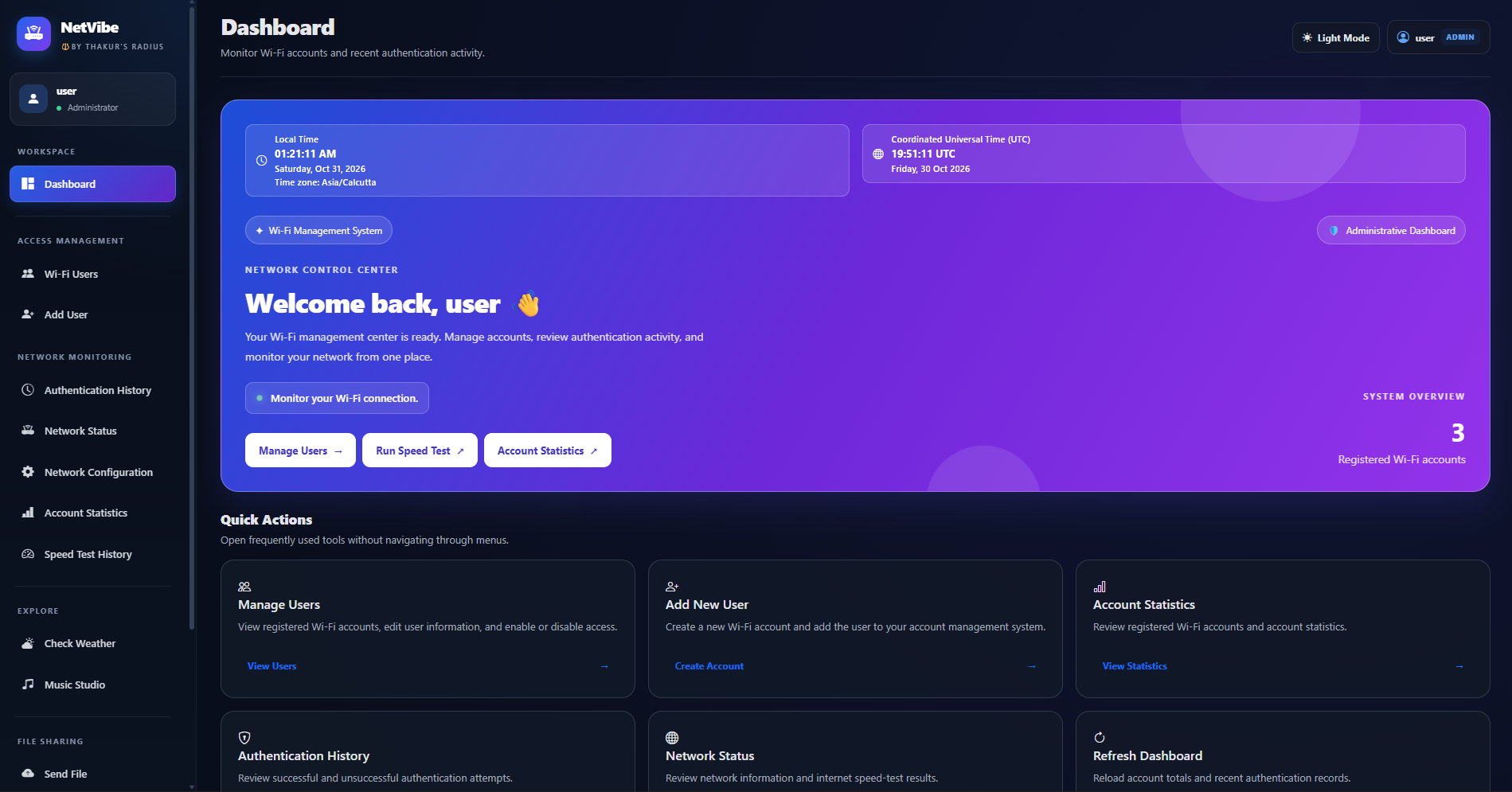
Main Dashboard
The central interface for accessing Wi-Fi accounts, monitoring, statistics, and other tools.
Featured build · Django + networking
A local-first network management dashboard that brings Wi-Fi user administration, FreeRADIUS service checks, network health monitoring, speed-test history, weather information, music tools, and private file sharing into one Django application.
Runs locally · In development
Actual NetVibe dashboard screenshot. The project currently runs locally.
PROJECT GALLERY
A closer look at the dashboard, network monitoring tools, and file-sharing features I am building. Select any screenshot to view a larger version.
The central interface for accessing Wi-Fi accounts, monitoring, statistics, and other tools.
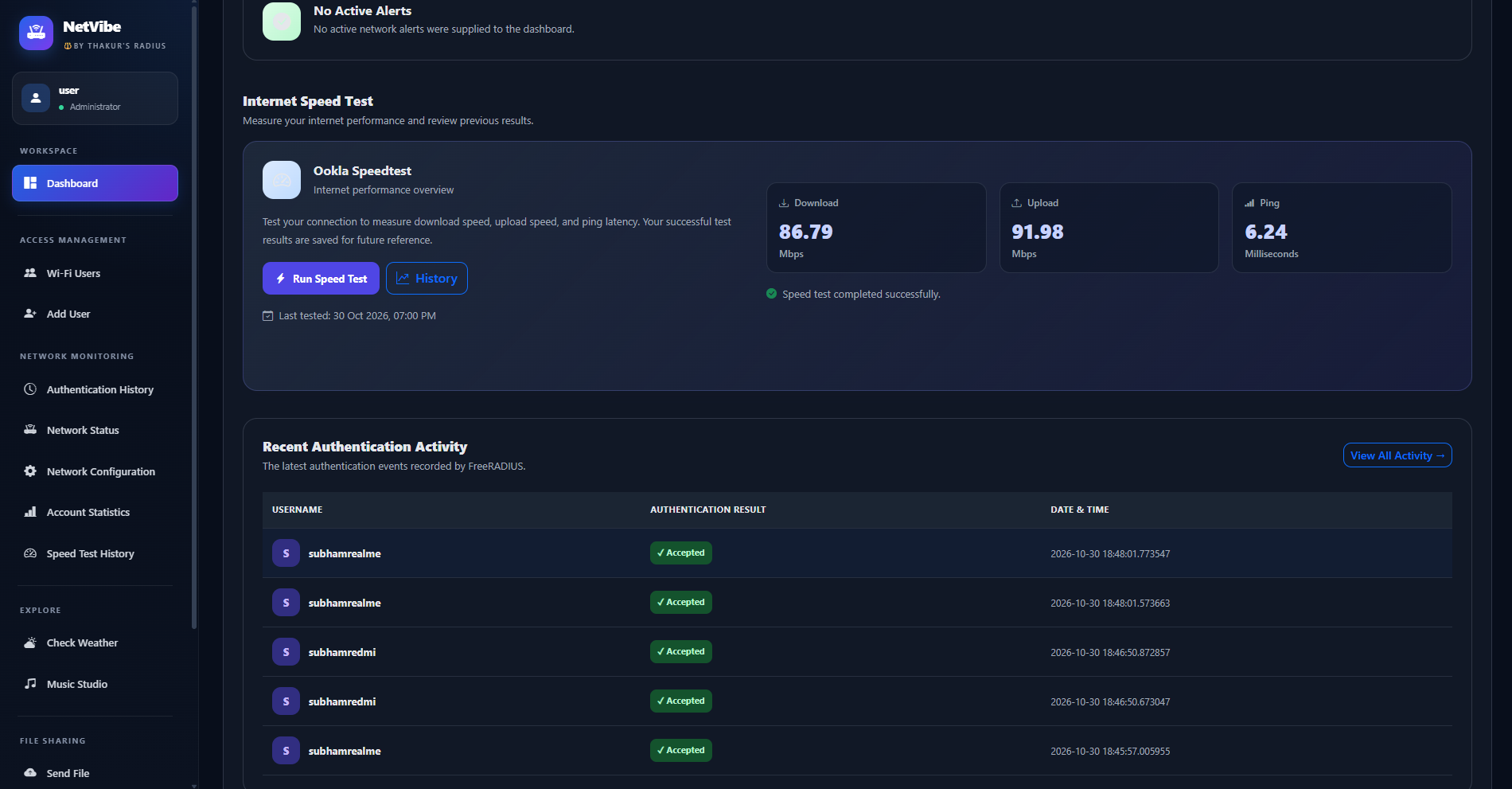
Review network speed measurements and previously recorded test results.
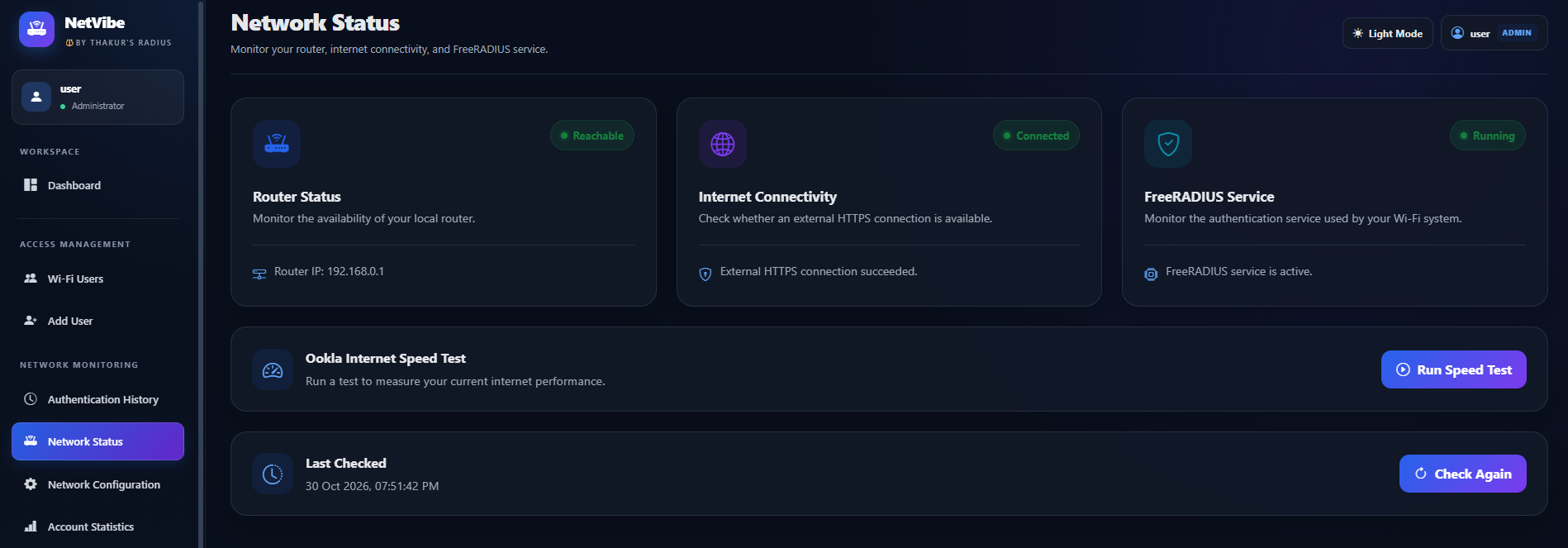
Monitor connectivity and review network-service health information.
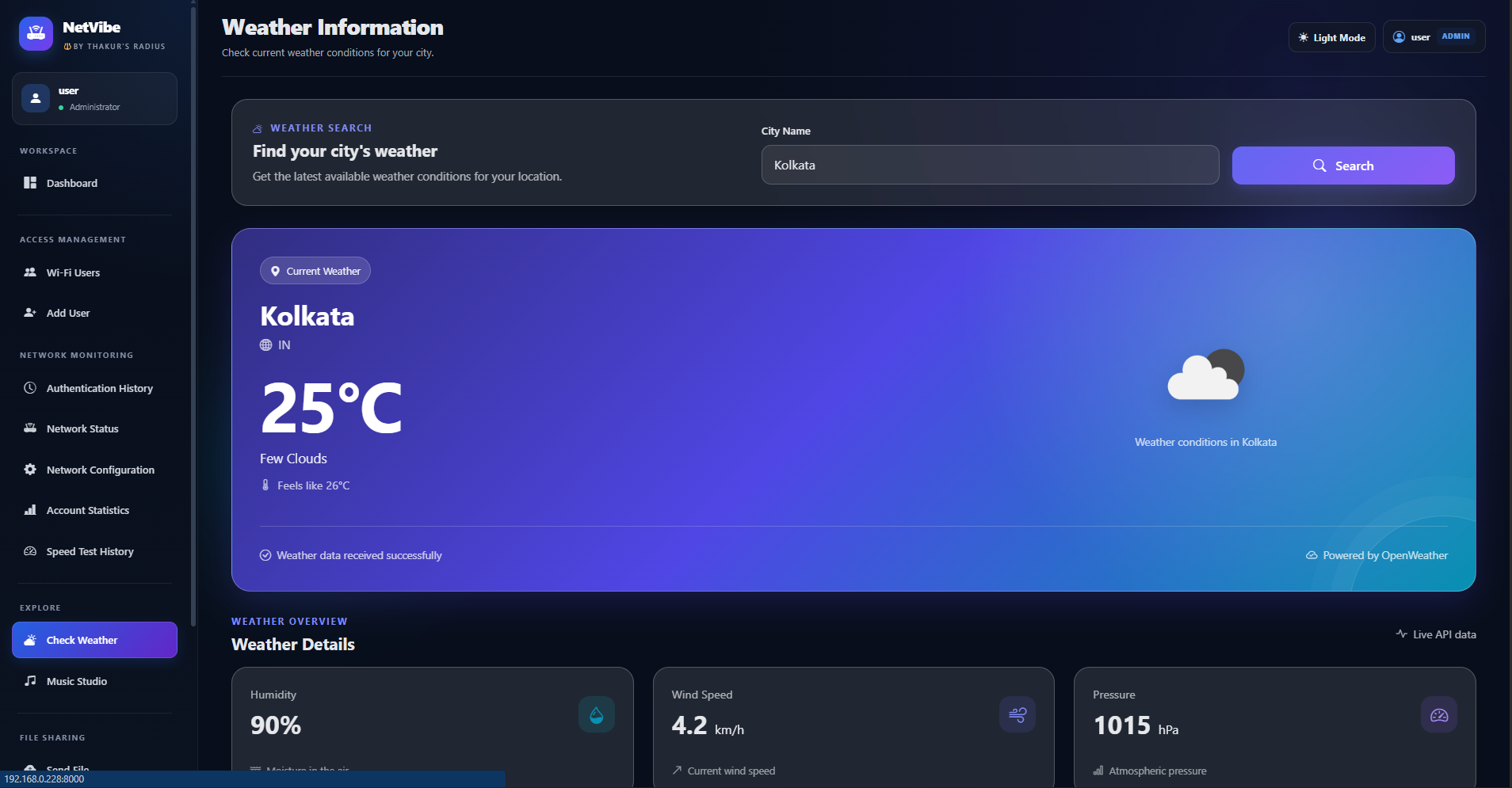
A weather utility integrated into the application interface.
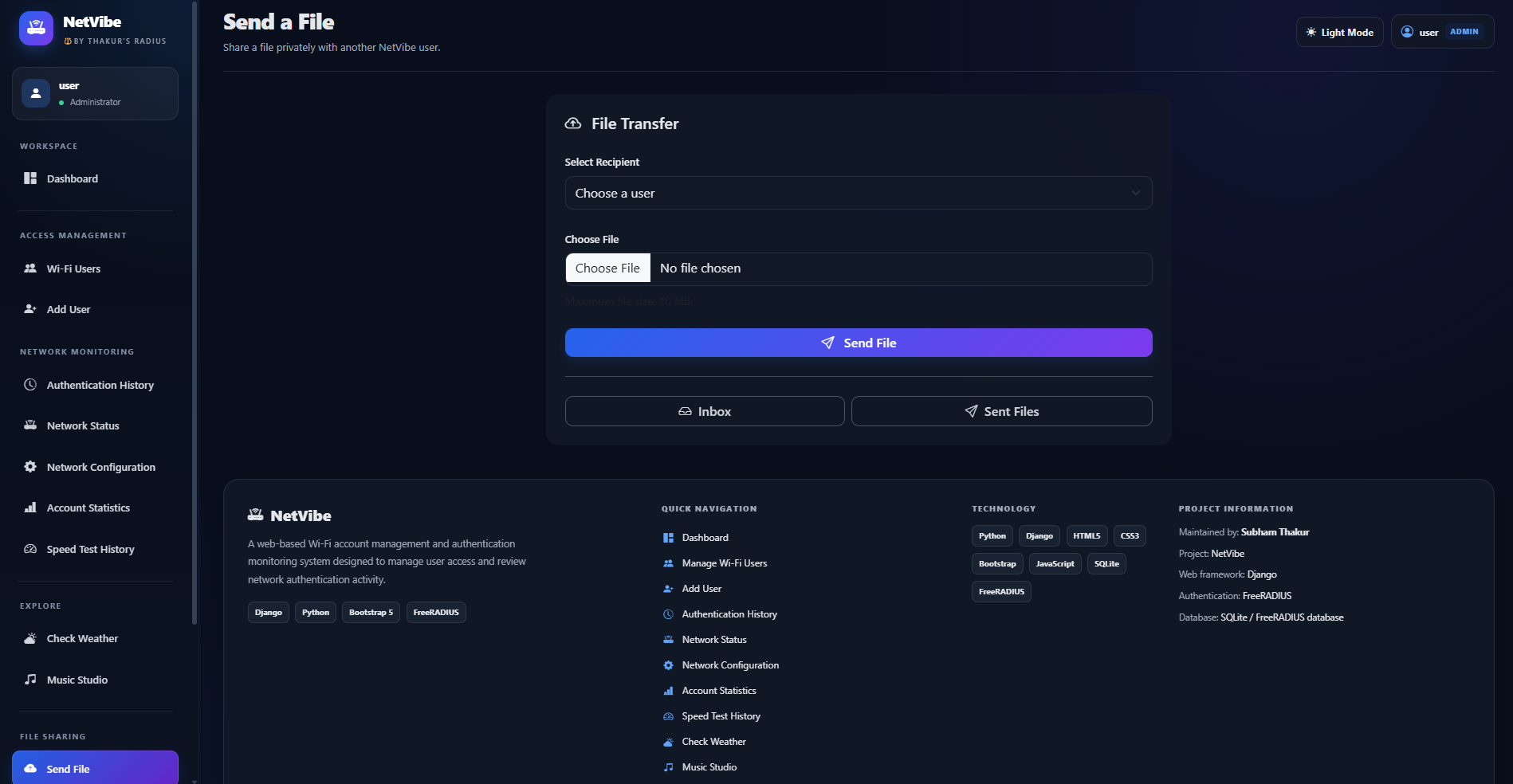
Share files with other users through the application's interface.
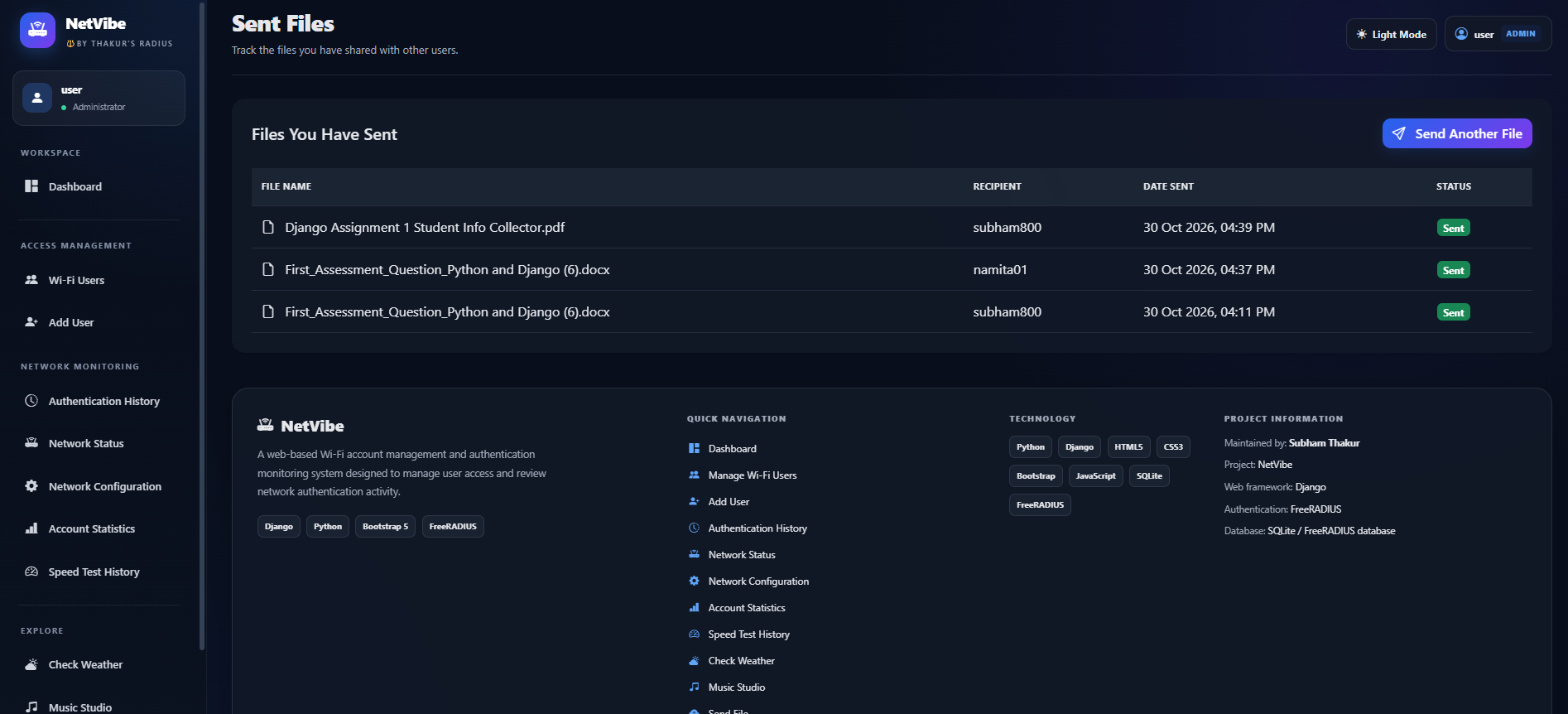
Track files sent to other users, including recipients and send status.
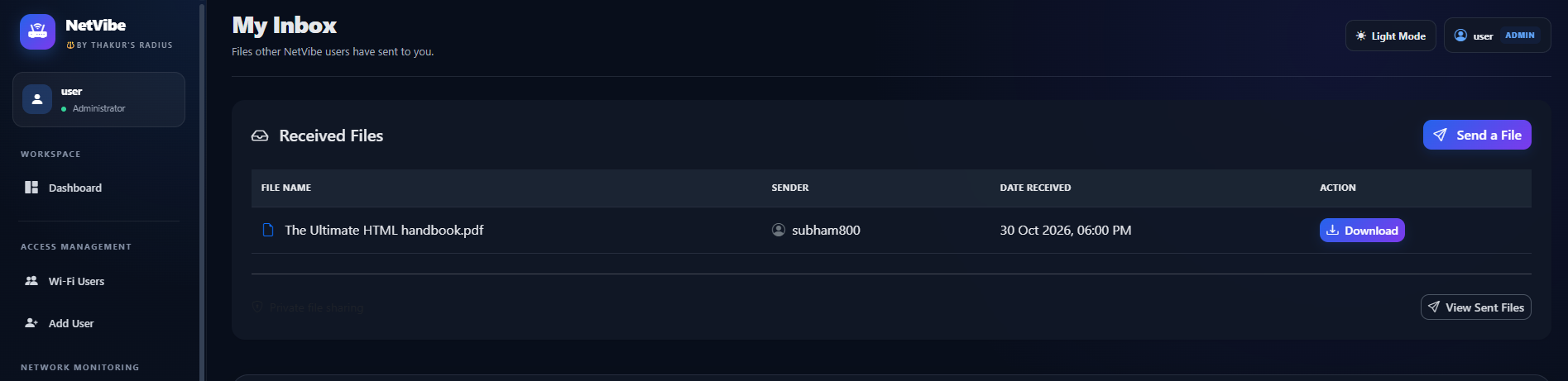
View incoming files and access files shared with the logged-in user.
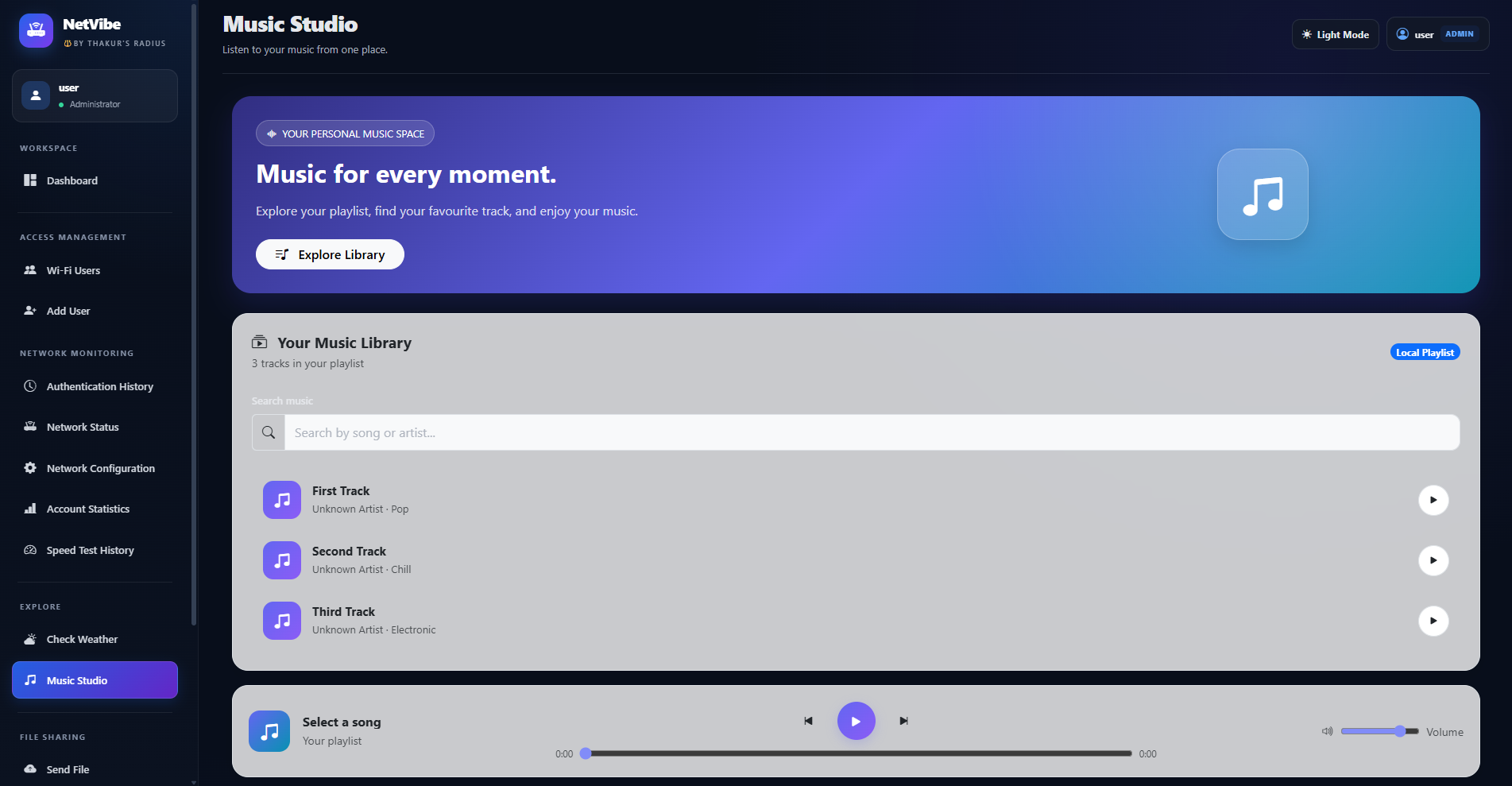
An additional music-related tool available through the application.
Screenshots show the development version of NetVibe. Usernames and records visible in screenshots should be replaced with test data before public publication.
WHAT IT CAN DO
NetVibe is a practical learning project connecting interface design, database records, operating-system services, and network utilities.
Create, edit, activate, disable, rename, and remove Wi-Fi user records, with helper functions for relevant FreeRADIUS SQL changes.
Check whether the FreeRADIUS service is active and review recent authentication history without displaying passwords.
Check router reachability, external connectivity, and service status. Record results and track monitoring alerts.
Run the Ookla Speedtest CLI, capture download, upload, and ping measurements, and store completed results.
Authenticated users can send files to other active users, view sent and received files, and download authorized files.
Store monitoring results and speed tests so the dashboard can show recent activity rather than only a one-time status.
Access weather information from within the application without leaving the main interface.
Access the additional music interface included in the NetVibe application.
Use Django models and SQLite for application records while interacting with the configured FreeRADIUS database for relevant network-account operations.
SYSTEM ARCHITECTURE
The browser communicates with Django. Django coordinates the application database and selected local system and network tools. FreeRADIUS remains responsible for RADIUS authentication.
HTML templates render the dashboard, forms, status pages, history, and file-sharing screens.
URL routes map requests to Python views, which validate input and coordinate application actions.
Django ORM stores application data. Helper modules interact with the configured RADIUS database and local network tools.
FreeRADIUS performs authentication using its configured records and authentication policies.
REQUEST AND DATA FLOW
IMPLEMENTATION NOTES